Codes
Working Doodle Basketball codes for Roblox with rewards, Shop → Codes redeem steps, and tips so you never miss the next crate drop.
View all CodesLive on Roblox · Fan Wiki
Codes, guides, scripts, and cosmetics for Roblox Doodle Basketball.
Unofficial Roblox Doodle Basketball wiki for codes, stick-figure guides, scripts, and cosmetics tips on notebook courts.
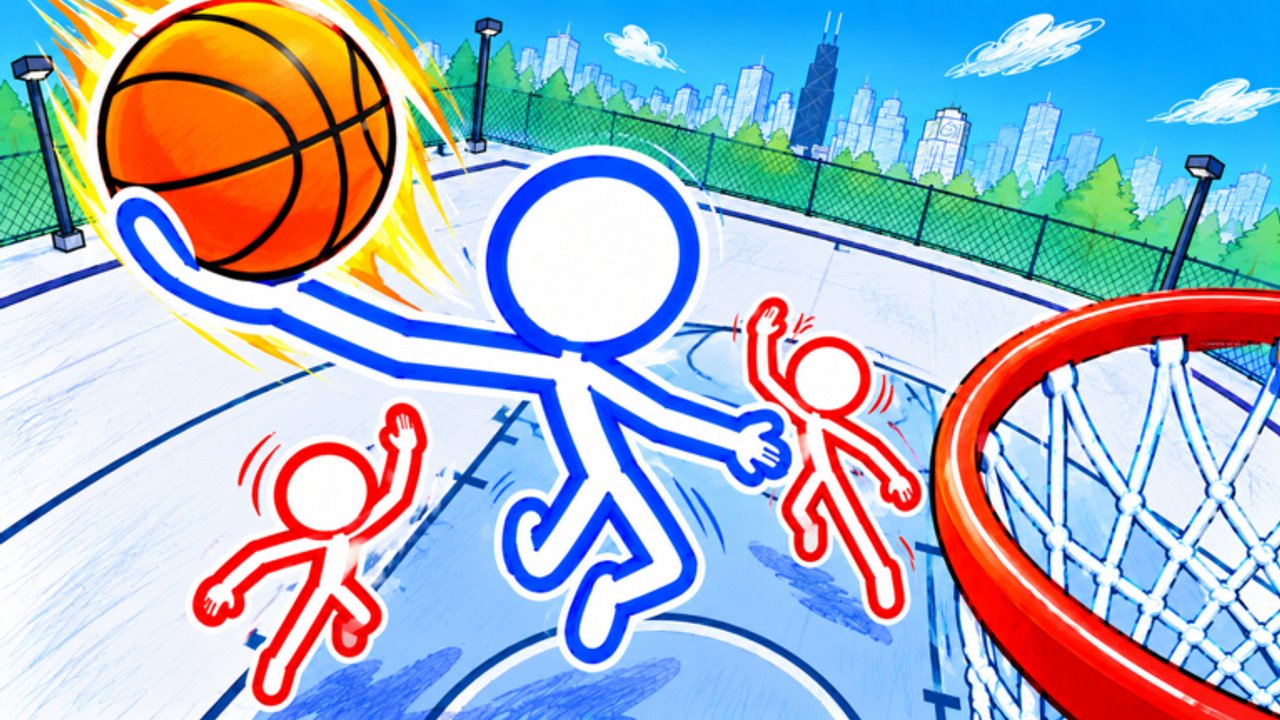
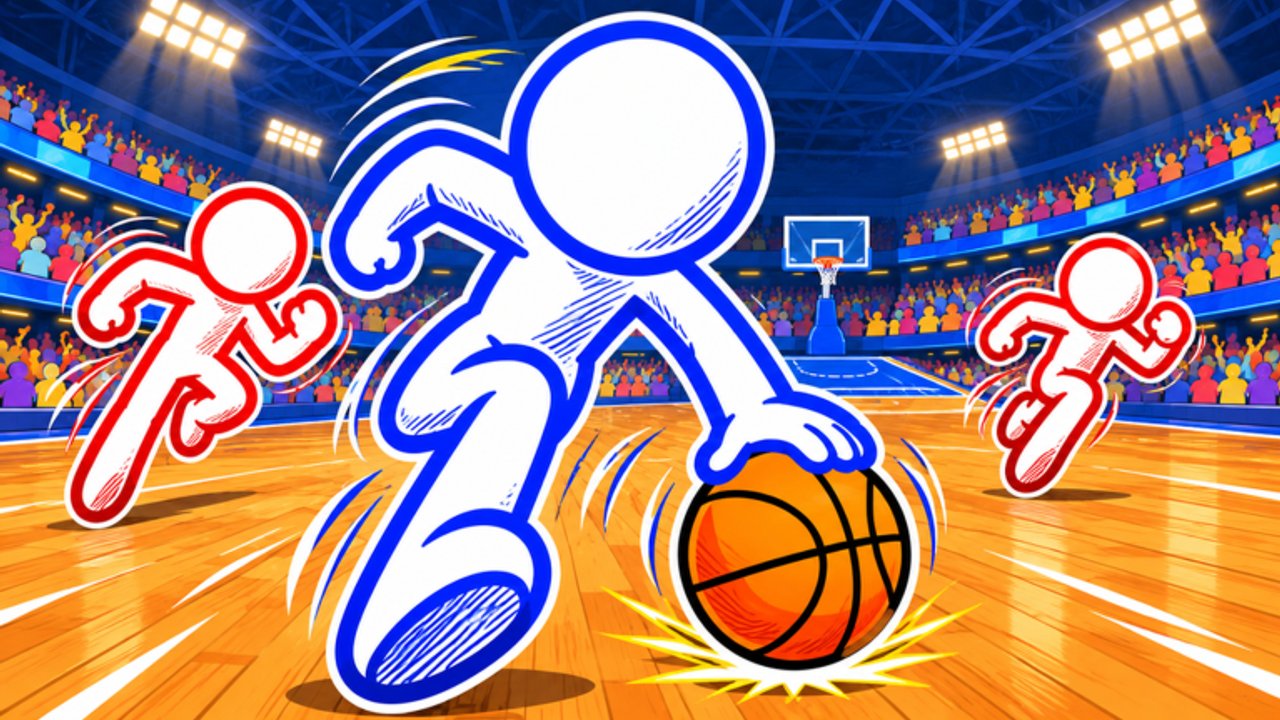
Doodle Basketball is a free Roblox sports experience by Doodle Sports where stick-figure hoopers battle on notebook courts inside a doodle city. Queue 1v1, 2v2, or 3v3, customize mascots, outfits, and balls in the customization guide, then claim working codes before you tip off. Start with the beginner guide if you are brand new.
Working Doodle Basketball codes for Roblox with rewards, Shop → Codes redeem steps, and tips so you never miss the next crate drop.
View all CodesBrowse every Doodle Basketball guide: getting started, controls, shooting and dunking, customization tips, and 1v1-3v3 game modes.
View all GuidesDoodle Basketball tier list hub ranking cosmetics and on-court roles so you spend crates wisely and pick a playstyle that truly fits.
View all Tier ListStick-figure roles for Roblox Doodle Basketball: shooter, slasher, defender, and all-rounder tips linked to cosmetics and controls.
View all PlayersDoodle Basketball updates hub tracking Roblox patch notes, cosmetics drops, mode branding shifts, and code windows since the October launch.
View all UpdatesDoodle Basketball scripts hub covering command-menu tools, feature notes, and safety warnings before you risk your Roblox account.
View all ScriptsOfficial Doodle Basketball links: Roblox experience, Doodle Sports group, Discord invite, and trusted fan wiki resources.
View all LinksOpen the [official Roblox experience](https://www.roblox.com/games/70792765211718/Doodle-Basketball), favorite the game, then hop into a notebook court lobby.
Open the Shop on the left, open the Codes tab, and redeem DOODLECODES for an Alien Crate before it expires.
Skim the controls guide so shooting, dunks, and defense feel natural on PC or mobile.
Start in 1v1 or 2v2 to learn spacing, then move into 3v3 once teammates sync.
Spend crates on mascots, outfits, and balls, check the cosmetics tier list, and track updates.
Quick answers to the most common Doodle Basketball questions.
A free stick-figure basketball experience by Doodle Sports with notebook courts, team modes, dunks, threes, and deep cosmetics. Read the game overview to start.
Yes. The active list lives on our codes page. Redeem from the in-game Shop → Codes tab. Join the developer Discord for fresh drops.
Follow the Getting Started guide, then practice with the controls and shooting & dunking tutorials.
This wiki supports: English, Français, Deutsch, Español, Português (BR). Configure locales in site.meta.json and run npm run generate:i18n.
No. Doodle-Basketball.wiki is an unofficial fan resource. Confirm announcements on the Roblox page and the Doodle Sports Discord.
Yes. Doodle Basketball runs on Roblox for PC, mobile, and console. Control layouts differ — see the controls guide for device tips.
Claim codes, learn controls, then practice shooting and dunking before your next streak. The beginner guide covers the full first-hour plan.
Start with the beginner guide